Introducing a robot under WHS law: a checklist for facility managers
A robot is plant under WHS law. That brings duties for you and for the supplier. Here is a checklist from the Safe Work Australia guidance.
Adding a robot to a site is a change to your workplace. Under work health and safety (WHS) law, that triggers duties. This checklist follows the guidance from Safe Work Australia. It is general information, not legal advice. Your state or territory regulator has the final say, so check with them.
Know who owes what
If you run the workplace, you are a person conducting a business or undertaking (PCBU). Safe Work Australia says a PCBU with control of plant must provide and maintain safe plant and use it safely. You must first try to eliminate risks. If you cannot, you must minimise them so far as is reasonably practicable.
The supplier has duties too. Anyone who designs, manufactures, imports or supplies plant must ensure it is without risks so far as reasonably practicable. They must also obtain and pass on information about proper use and risks. That is why you should ask for the safety information in writing.
Officers carry a duty as well. Safe Work Australia lists company directors among those who must manage WHS risks.
The checklist
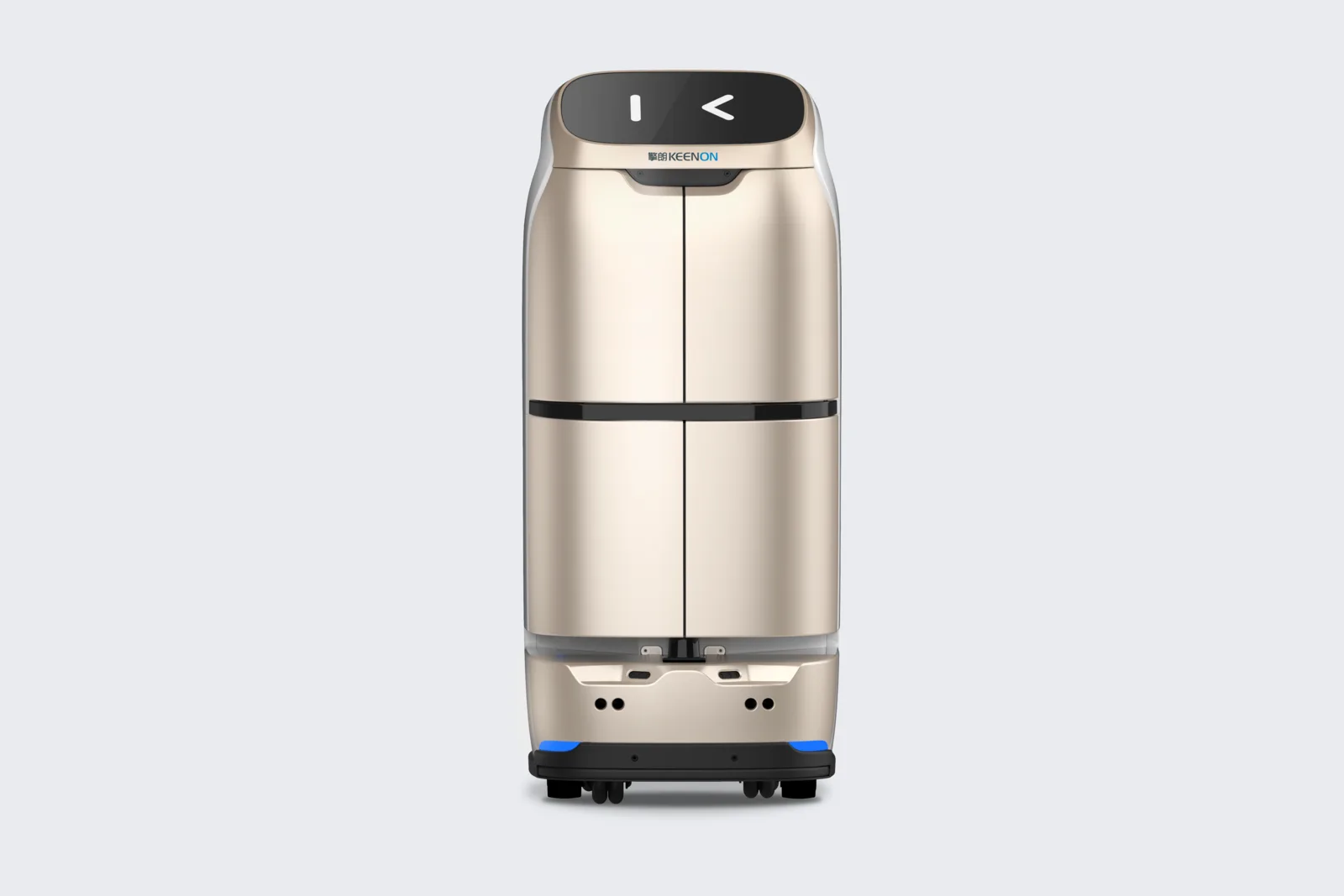
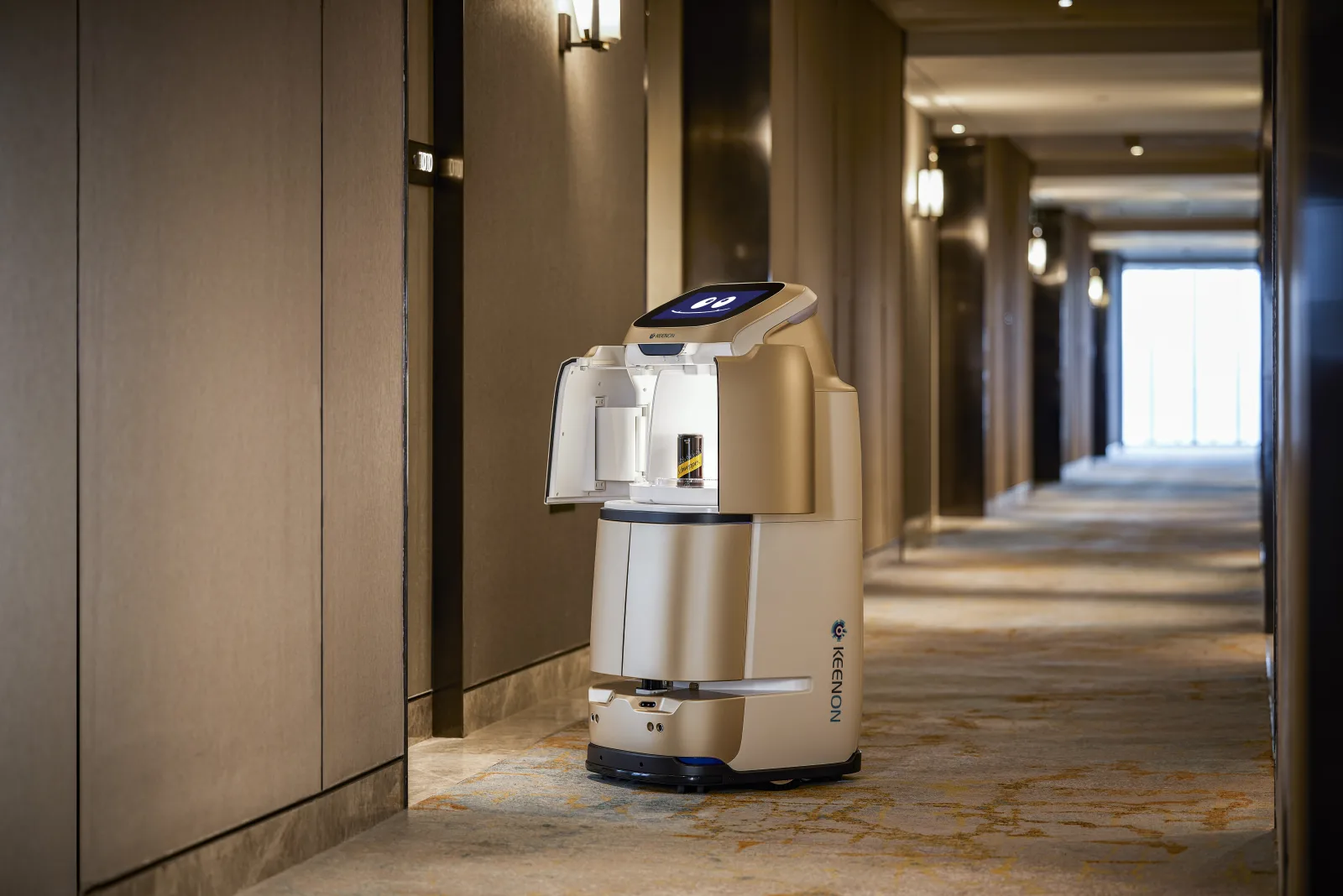
1. Describe the job. Write down what the robot will do, the routes it takes, the hours it runs and where it charges. A delivery robot like the Butlerbot W3 and a floor cleaner like the KLEENBOT C40 create different hazards.
2. Consult early. Safe Work Australia's model code for plant says to consult workers as early as possible when planning new plant or changing how it is used. Consultation is due when you identify hazards, assess risks and propose changes. Talk to your health and safety representative if you have one. Include cleaners, porters, nurses, kitchen staff and contractors.
3. Consult other duty holders. The code notes that a PCBU must consult, cooperate and coordinate with other duty holders. That can include your lift contractor, your landlord, your cleaning contractor and the supplier. See our guide on lift integration.
4. Find the hazards. Think about people, not just the machine. Examples to consider: collisions in narrow corridors, trip hazards from cords and charging stations, wet floors after a cleaning pass, residents or guests with walking aids, doors and thresholds, and what happens in a power or network failure. This list is a prompt, not a full list.
5. Rate and control the risks. Use the hierarchy: eliminate first, then reduce. A fixed route and a clear charging spot out of the walkway are simple controls. Safe Work Australia's guide to managing WHS risks sets out the process.
6. Get the supplier's information. Ask for the operating manual, stop and emergency procedures, maintenance schedule and known limits. Ask which electrical approvals apply; see our guide to electrical approvals.
7. Train staff. Anyone who works near the robot should know how to pause it, move it, charge it and report a problem. Record who was trained and when.
8. Set an incident path. Decide who is called, how the robot is isolated and how near misses are recorded.
9. Trial, then review. Start with a limited area and hours. Review with staff after a few weeks. Change the controls if the work or the layout changes.
10. Keep records. Keep the consultation notes, risk assessment, supplier documents, training log and maintenance records in one place.
Different sites, different questions
A hotel corridor is not a ward. In an aged care home or hospital, the people around the robot are more likely to be frail, or to use mobility aids, so the risk assessment should reflect that. In a hotel, guest behaviour near the lift is the issue. In an office or club, cleaning hours and after-hours access matter.
Safe Work Australia's codes apply as law only where your state or territory has adopted them, and some publish their own versions. Queensland, for instance, has its own Queensland plant code of practice. Check which applies to you.
Where we fit
glidebot supplies, sets up and services the robots. We can walk the site with you, explain how the robot behaves and supply the manuals. The risk assessment stays with you, because you know your workplace. Get in touch before you finalise it, and we will join the walk-through.